Video calls
Catch-ups, interviews and client calls where you'd rather look rested than explain the late night.
Zoom, FaceTime, Google Meet, WhatsApp, Messenger
An AI beauty camera for your Mac
Camlune retouches, makes up and lights you in real time, then shows up as a camera in Zoom, Google Meet, Teams, FaceTime, OBS and every other app you go live in. Rested, polished, and still unmistakably you.
Free to download. macOS 14 Sonoma or later on Apple silicon.
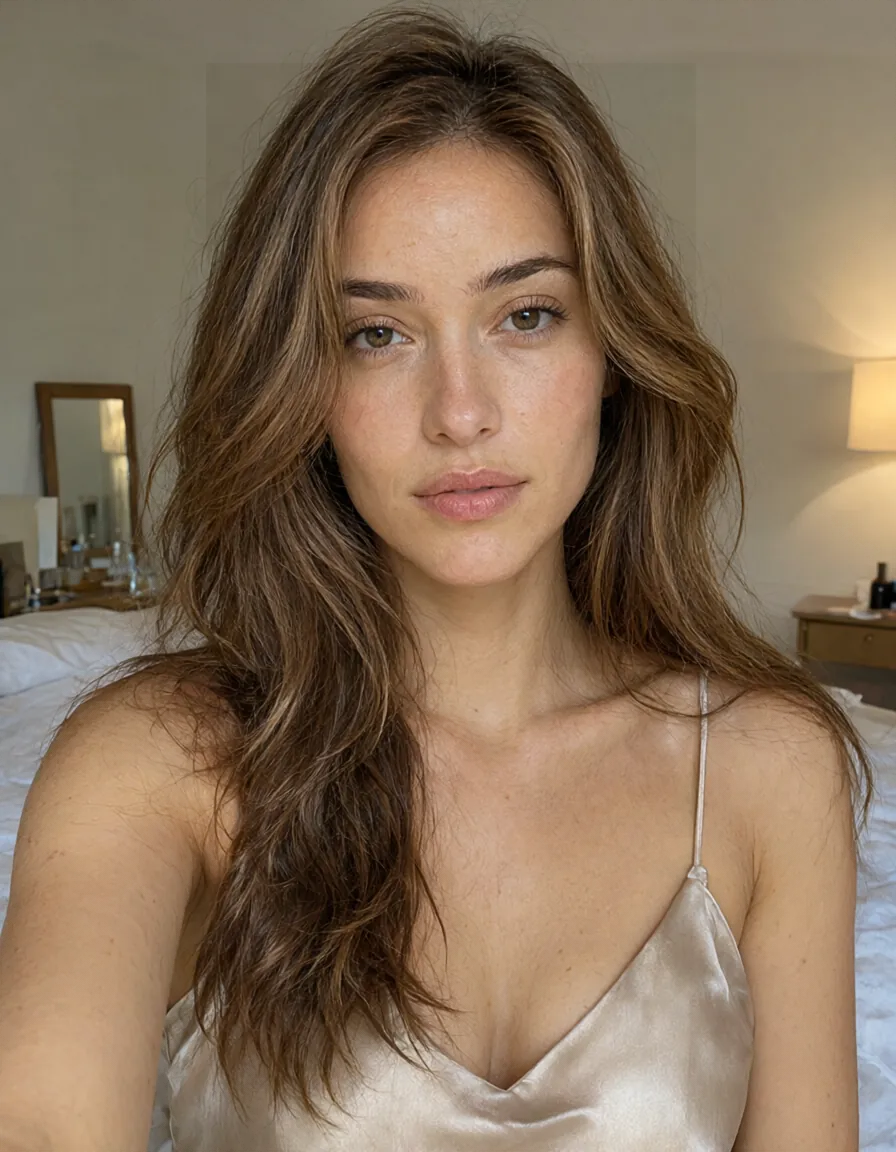
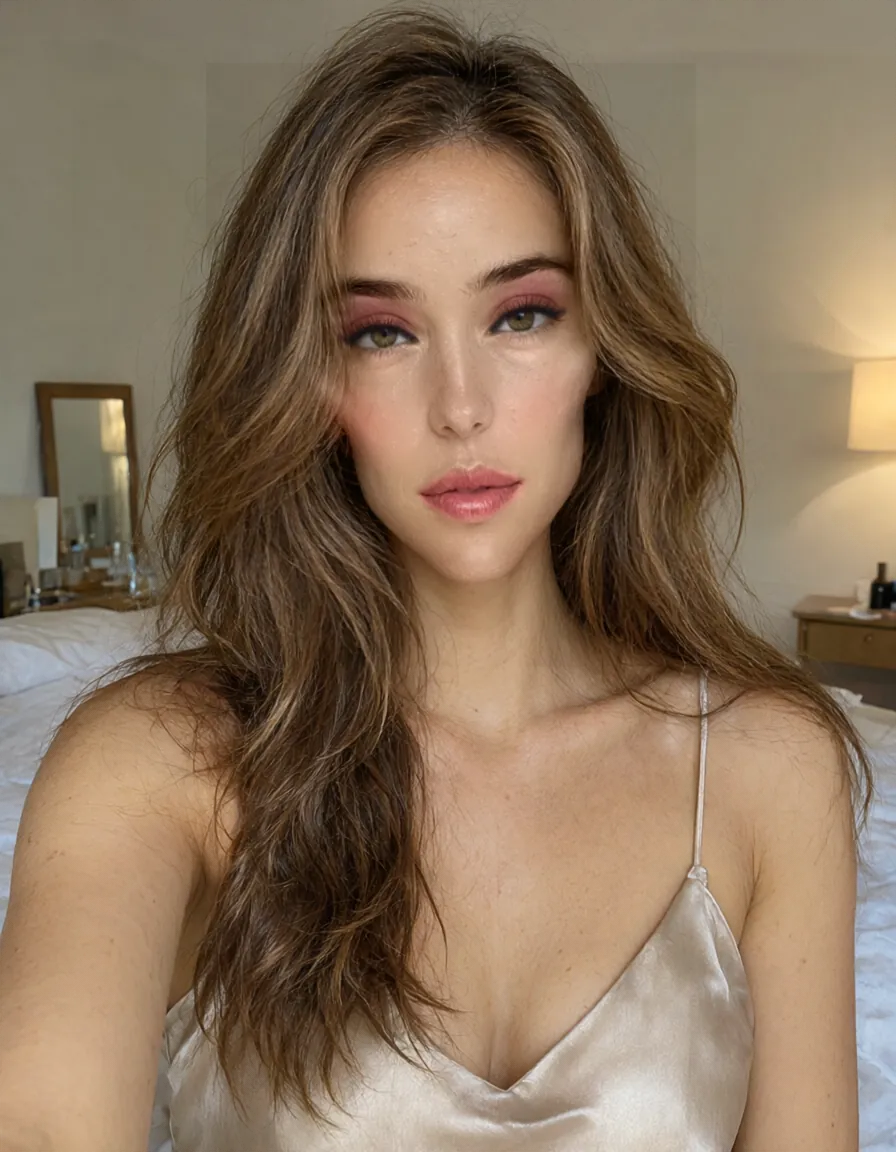 LIVE
Original
Soft Glam 150%
Camlune adds a camera called Camlune Virtual Camera to your Mac. Choose it once in any app's video settings and your polished look follows you from the morning stand-up to the evening stream. No plug-ins, no browser extensions.
Catch-ups, interviews and client calls where you'd rather look rested than explain the late night.
Zoom, FaceTime, Google Meet, WhatsApp, Messenger
Board meetings, all-hands, webinars and panels. Matte, even and meeting-ready for the whole agenda.
Microsoft Teams, Webex, Slack huddles, GoTo, RingCentral
Broadcast-clean on Twitch, YouTube Live or TikTok Live through OBS. Your scene, your overlays, better light.
OBS Studio, Streamlabs, Discord, Twitch, YouTube Live
Every frame passes through the same steps a makeup artist would take, tracked to your face 30 times a second. Scroll to watch Hollywood Glam come together, at full 150% intensity.

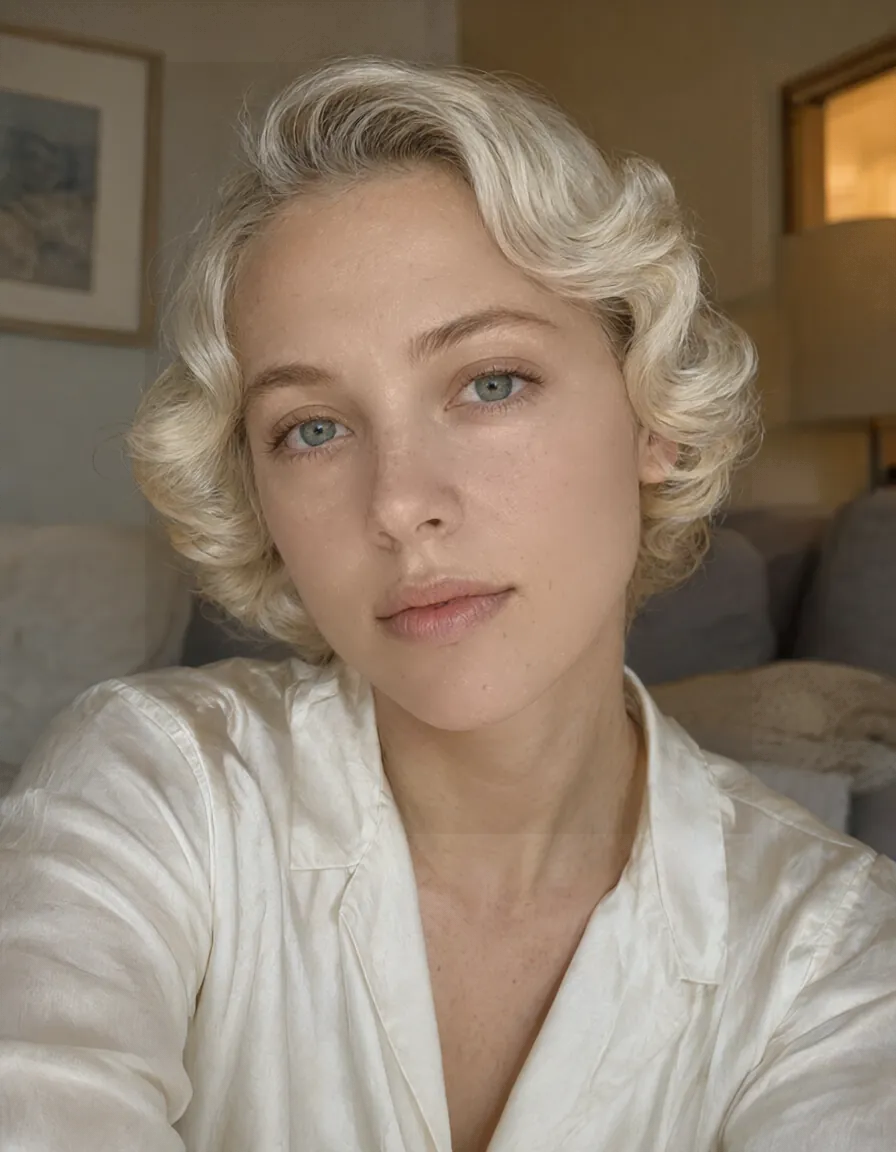
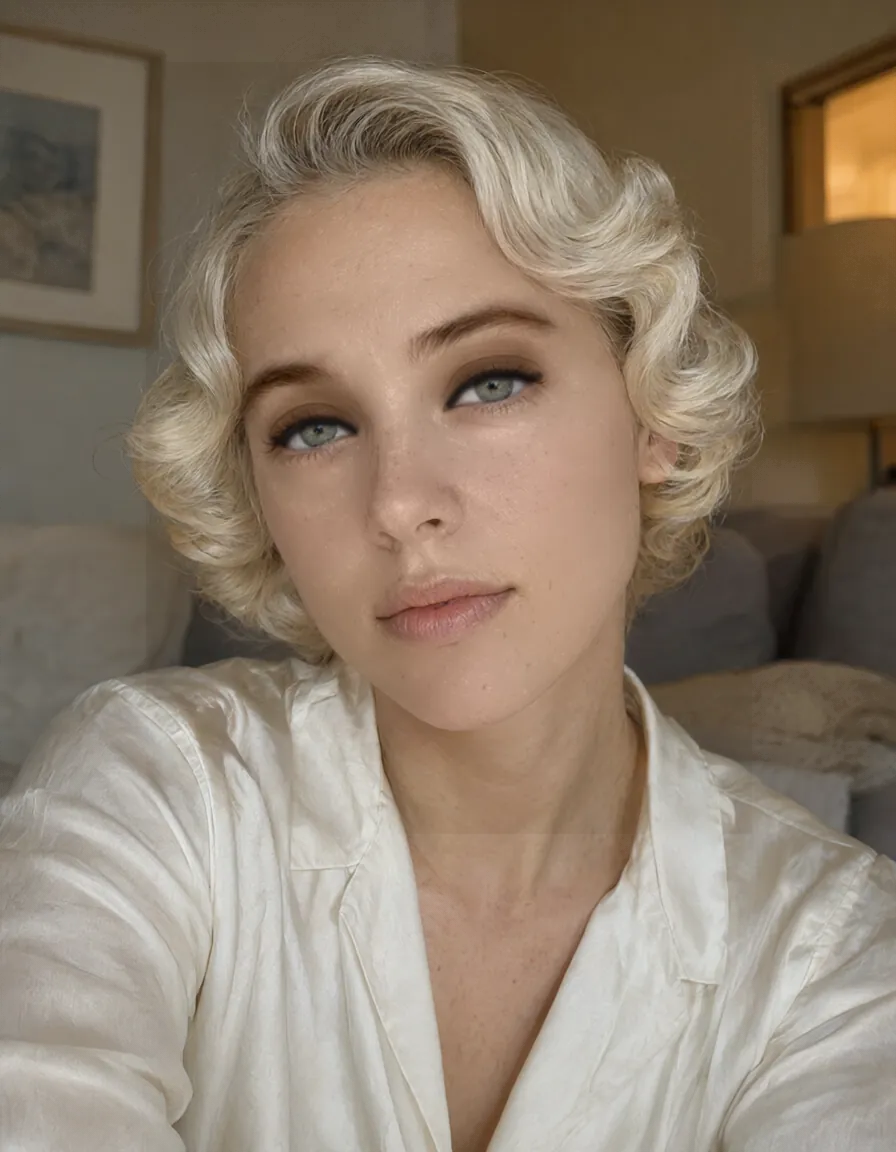


From barely-there to red carpet, each look is a full recipe of skin, makeup, sculpt and light, tuned to read beautifully on video. Pick one, set the intensity, or save your own.

 OriginalCamlune 125%
Your skin, rested and even
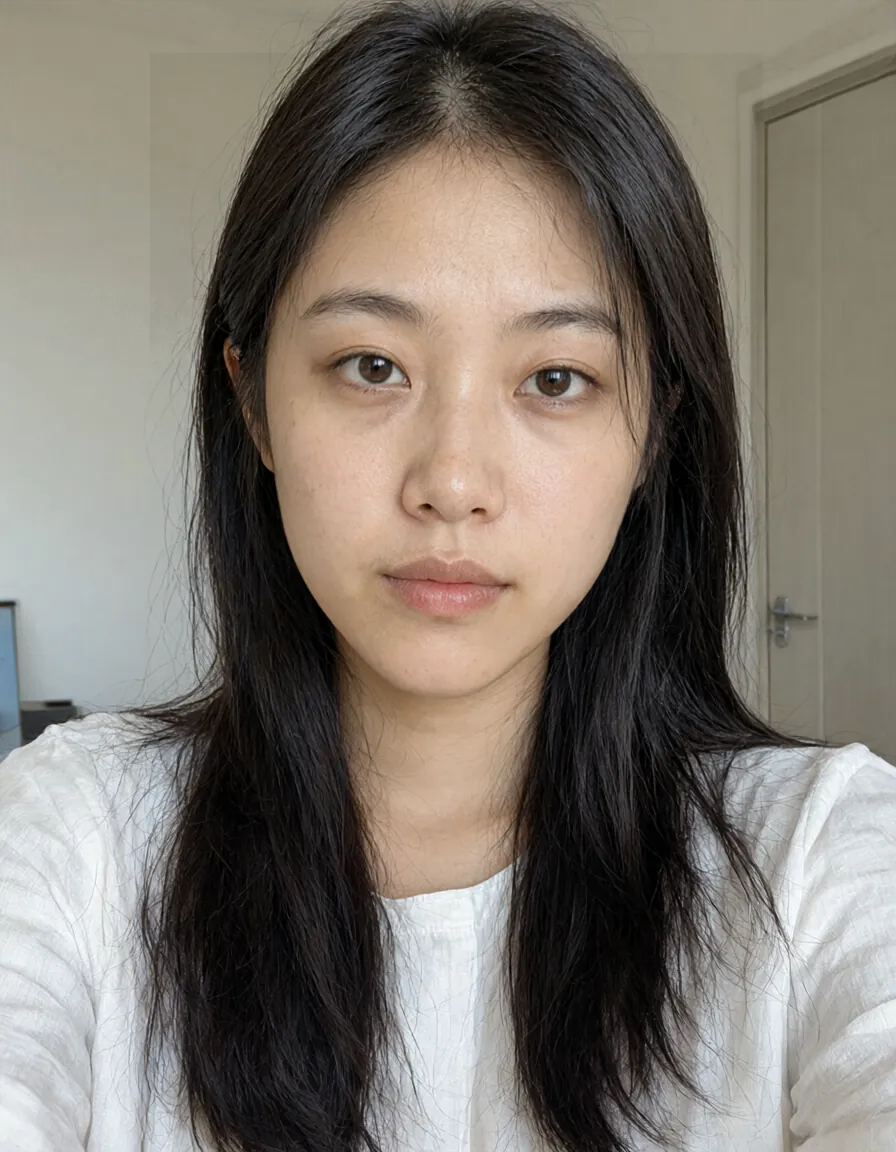
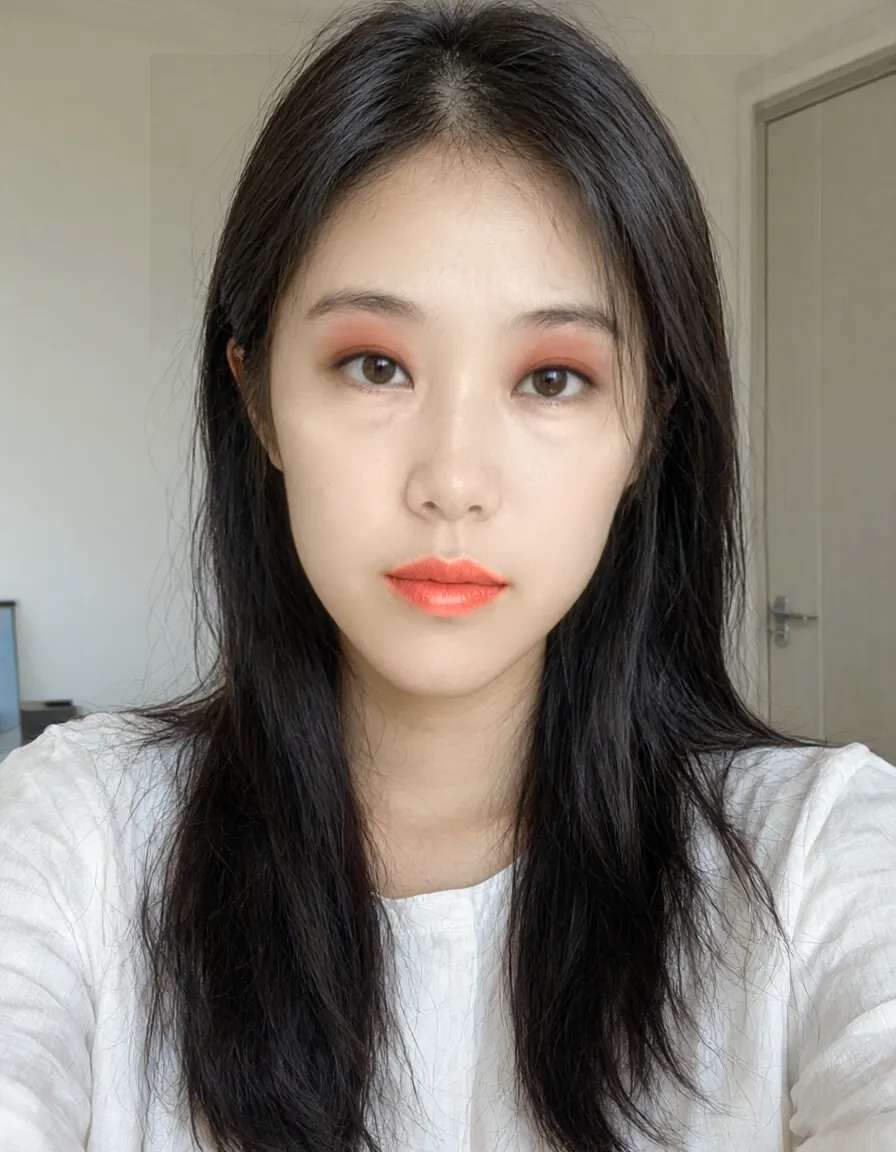 OriginalCamlune 125%
Dewy glow, glossy coral tint
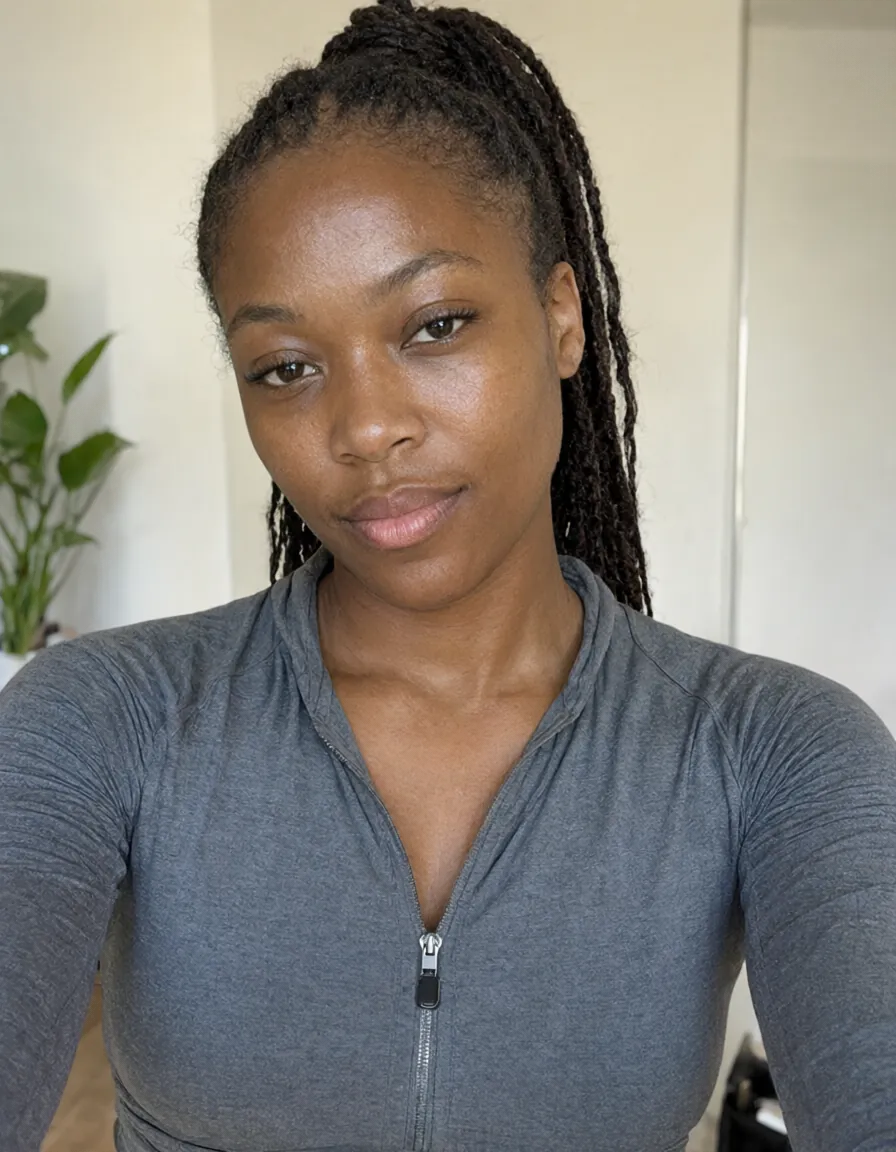
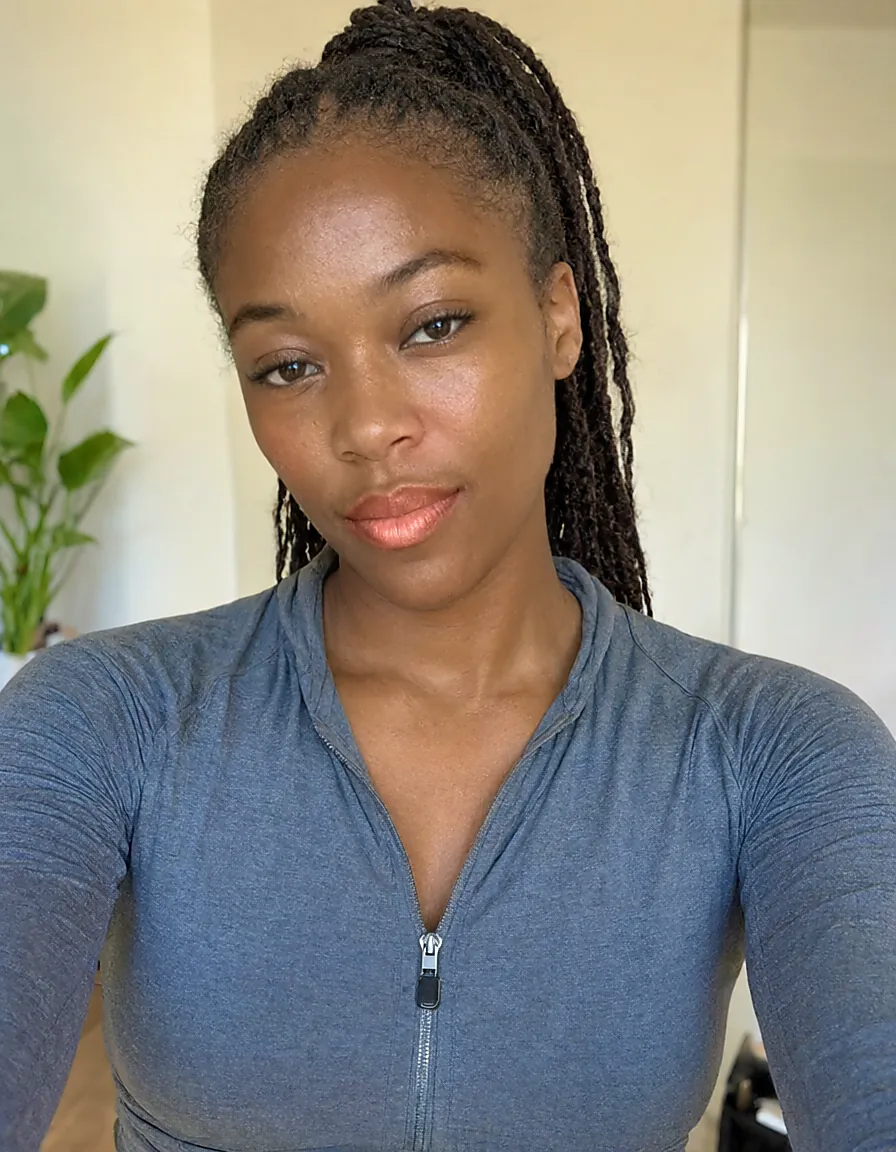 OriginalCamlune 125%
Post-workout flush, bright and fresh
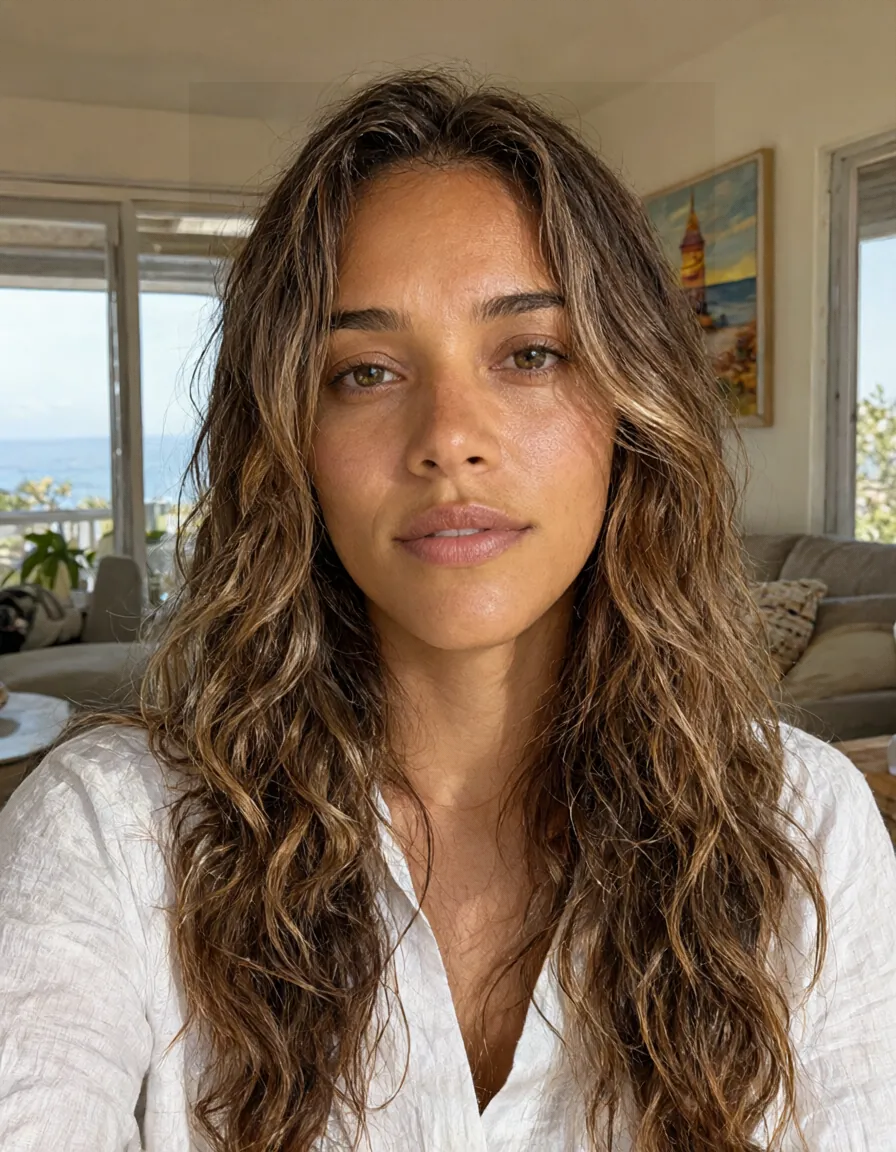
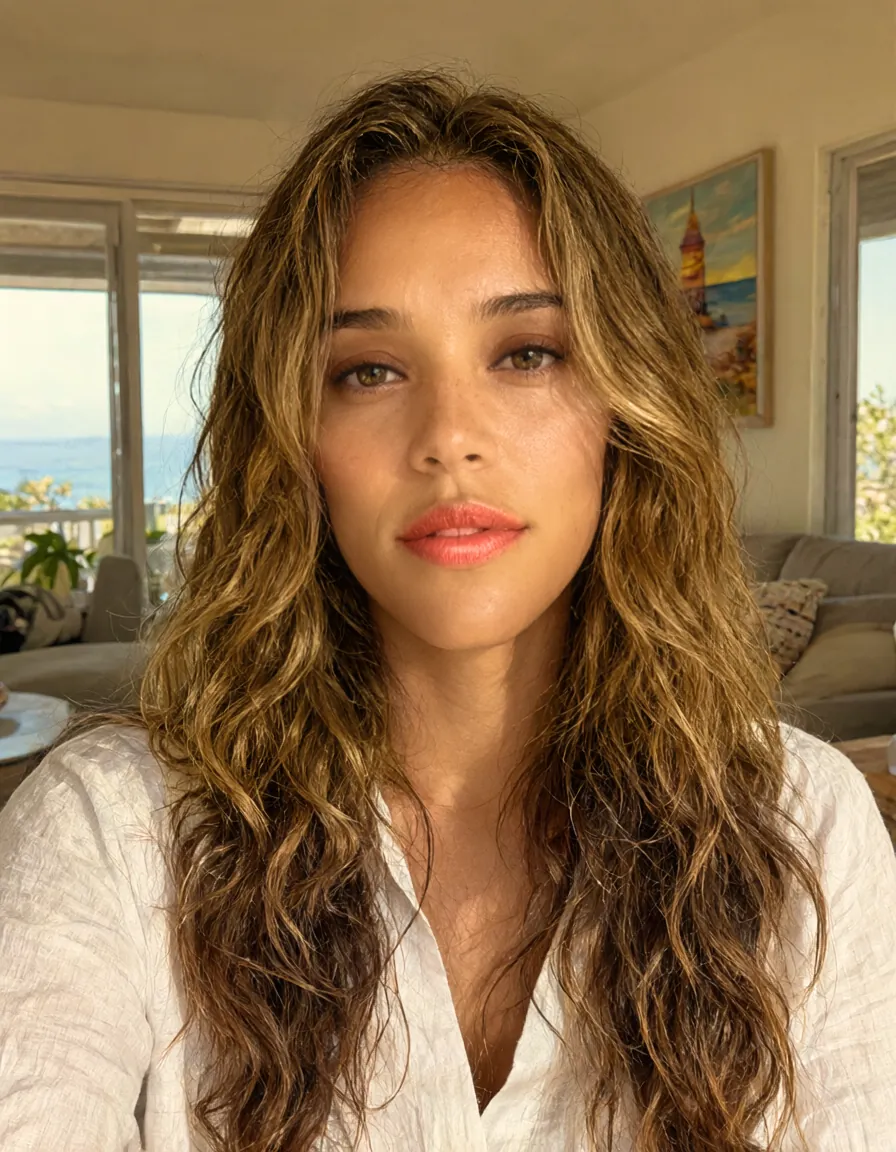 OriginalCamlune 100%
Bronzed, freckled, golden hour
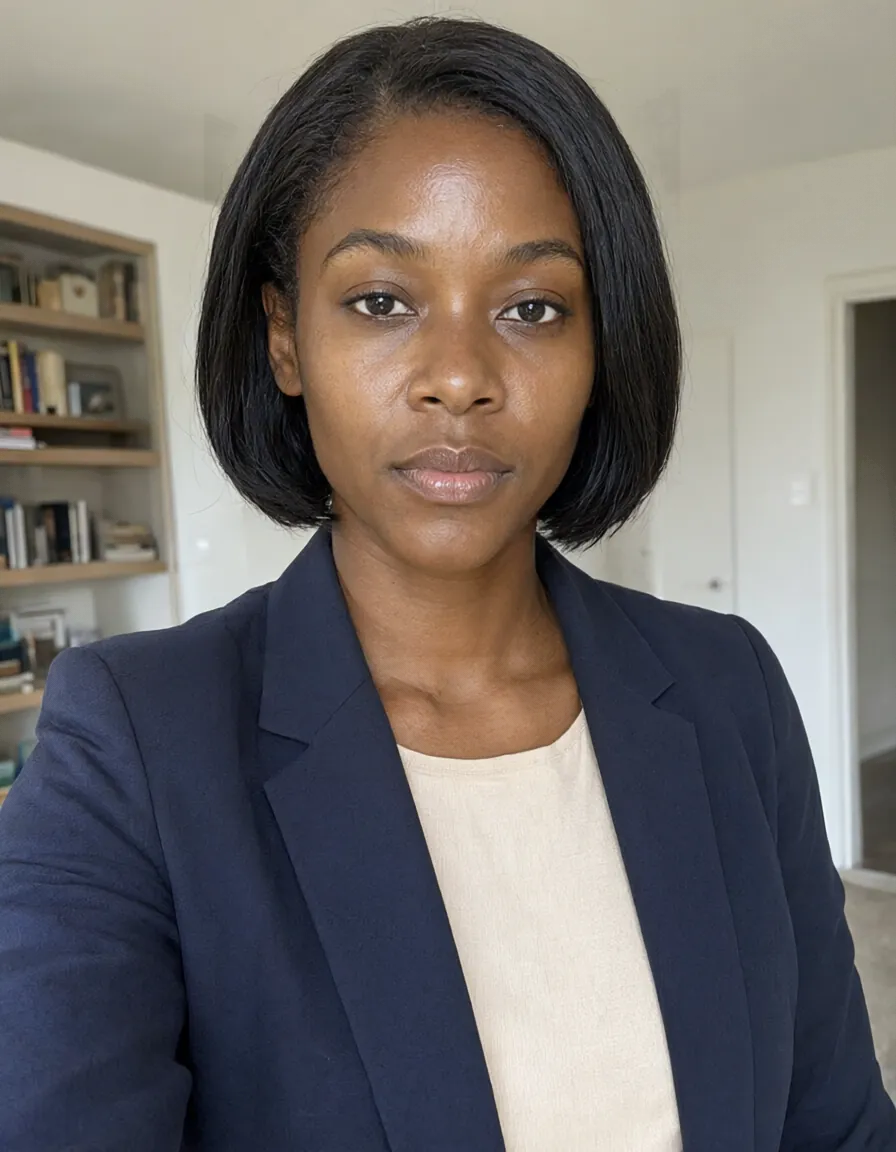
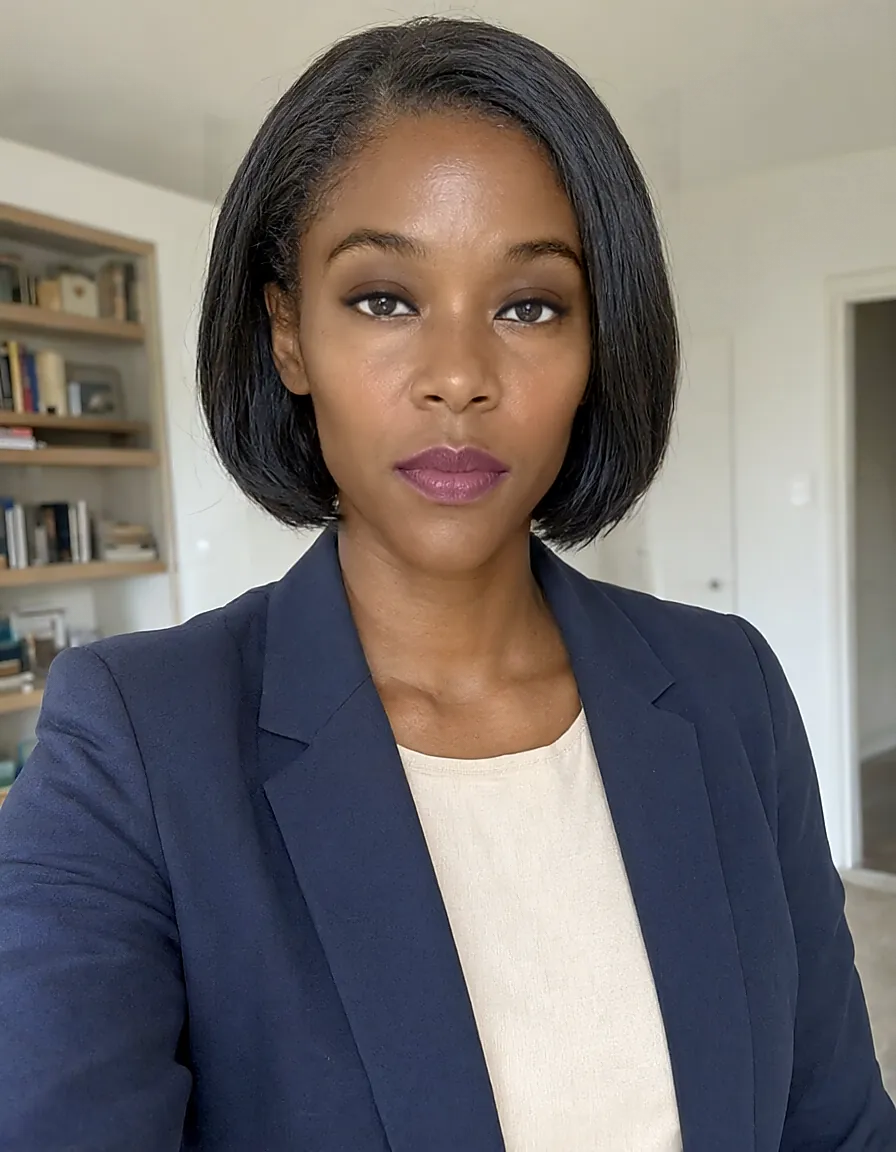 OriginalCamlune 125%
Matte, polished, meeting-ready

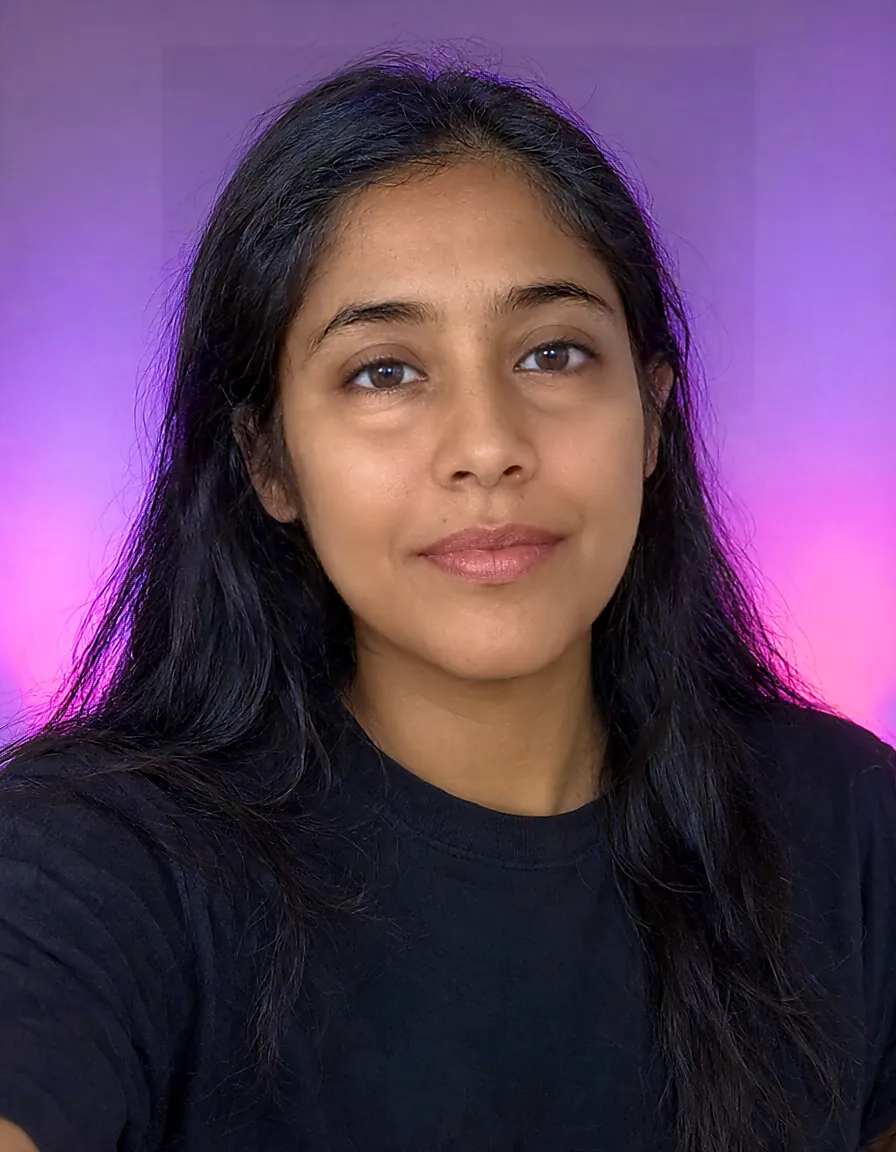 OriginalCamlune 125%
Broadcast-clean for streams and calls
OriginalCamlune 150%
Rose-gold eyes, sculpted and polished
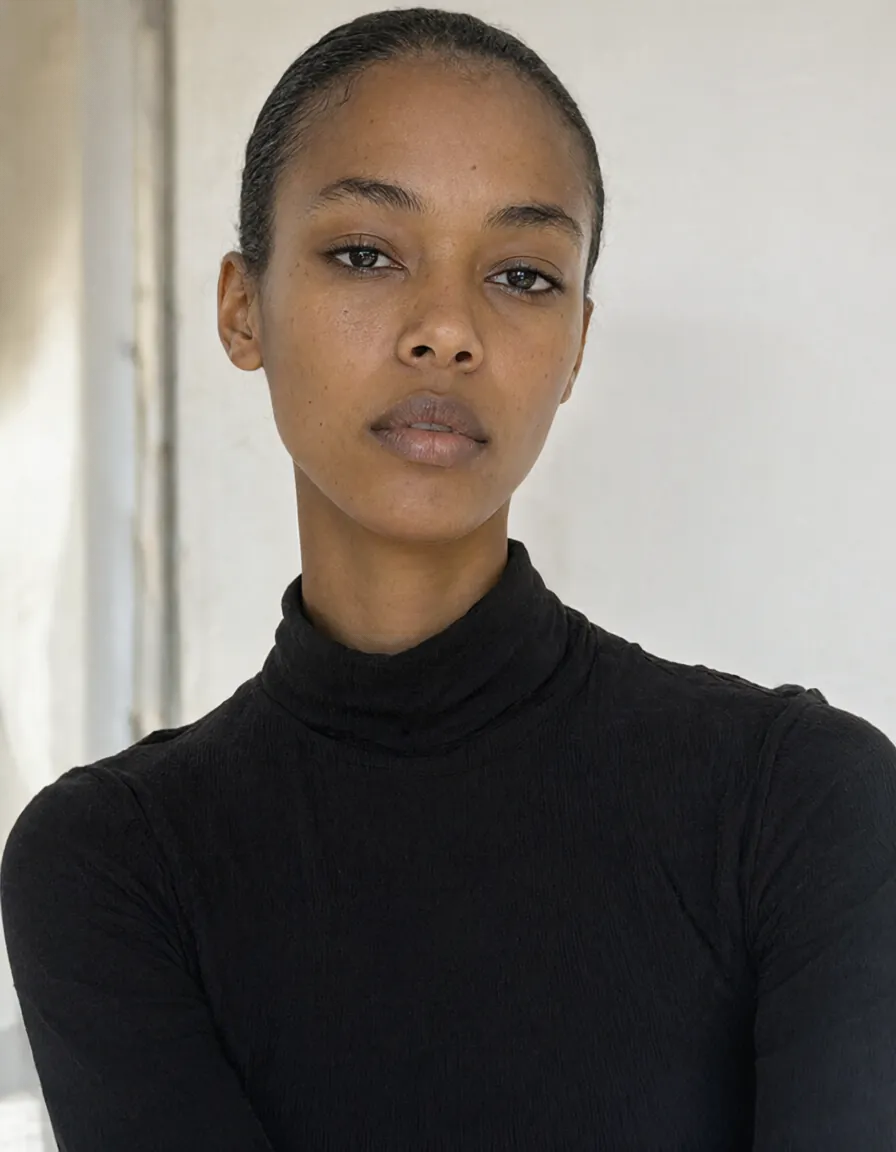
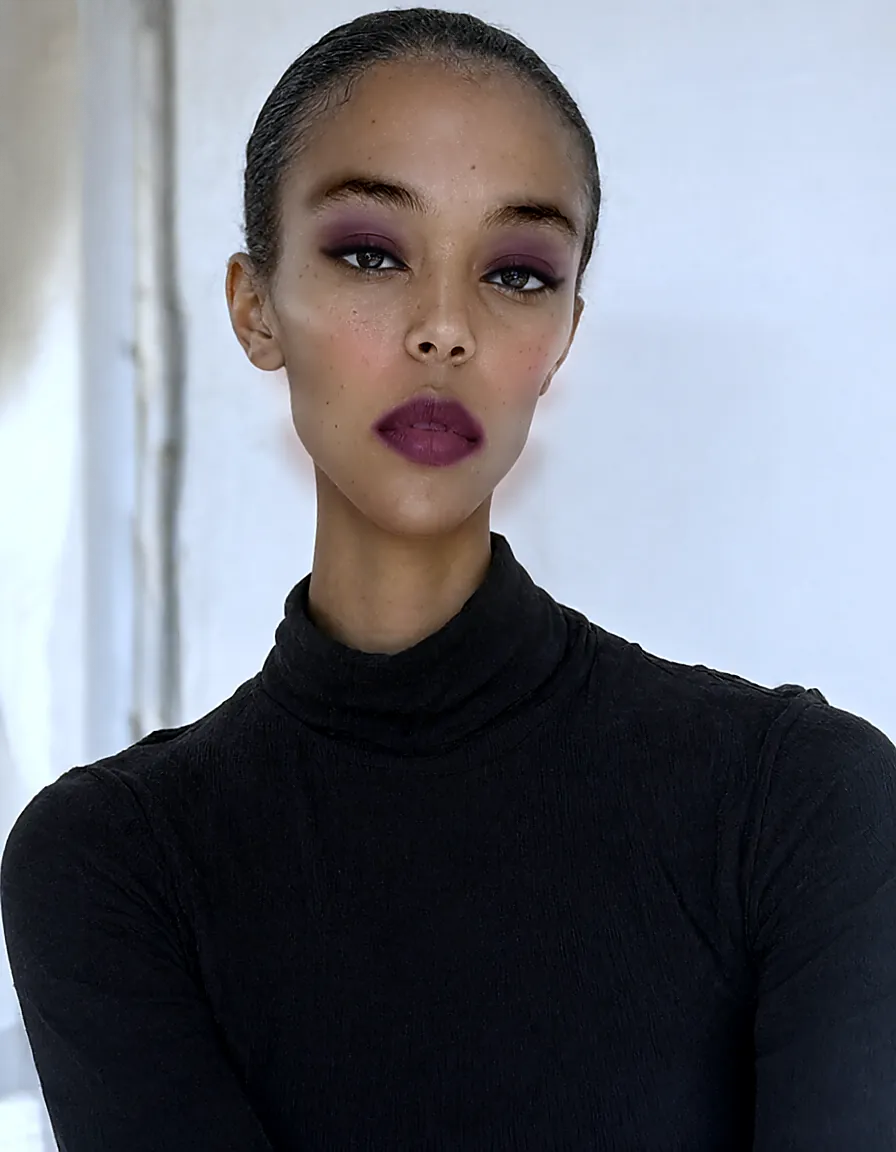 OriginalCamlune 150%
Sharp cheekbones, graphic liner
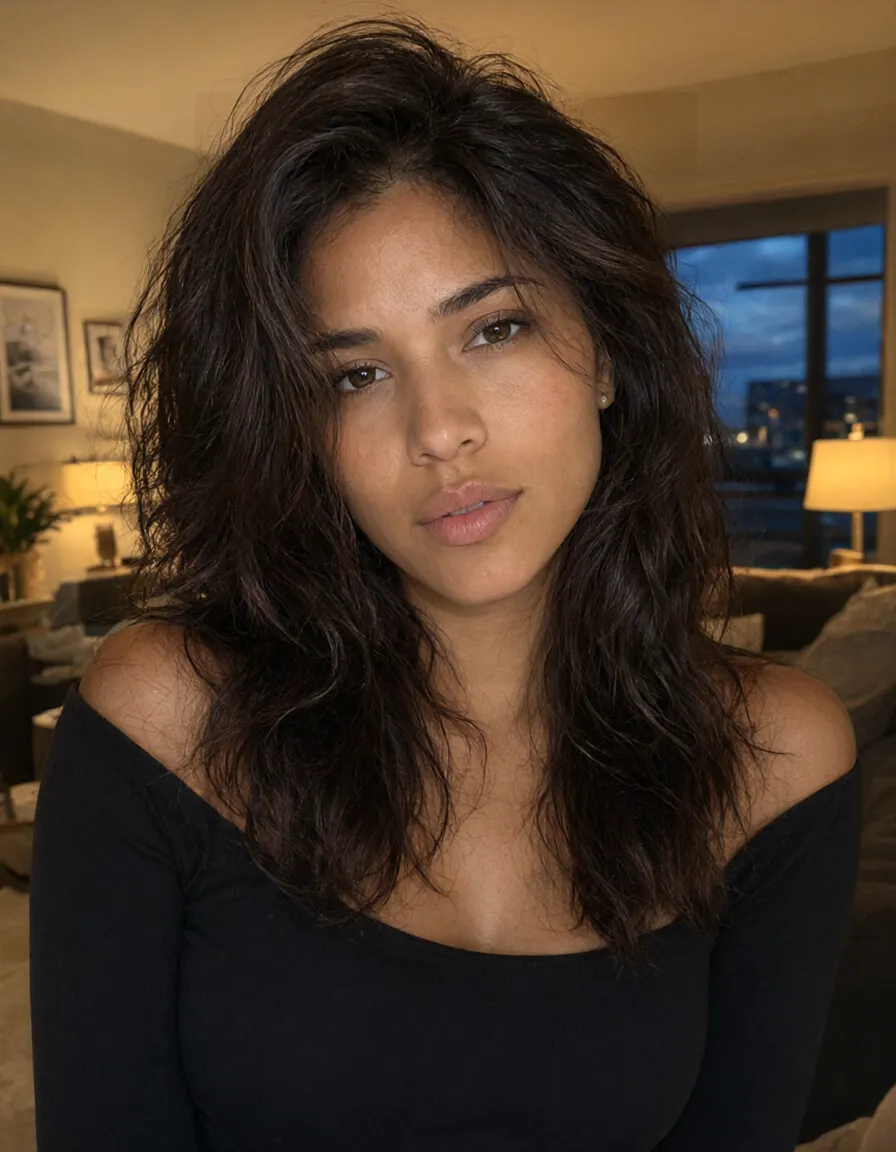
 OriginalCamlune 150%
Bronzed, glossy, full-lash glam
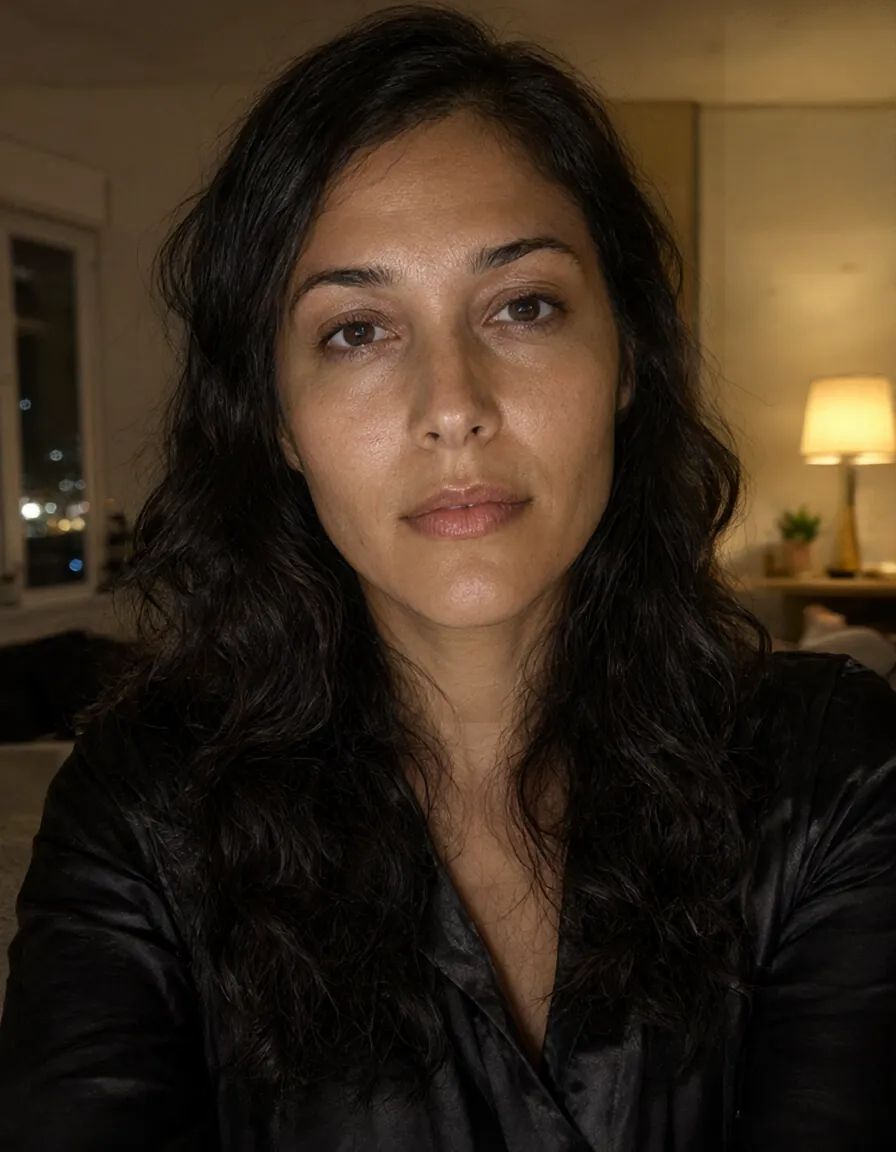
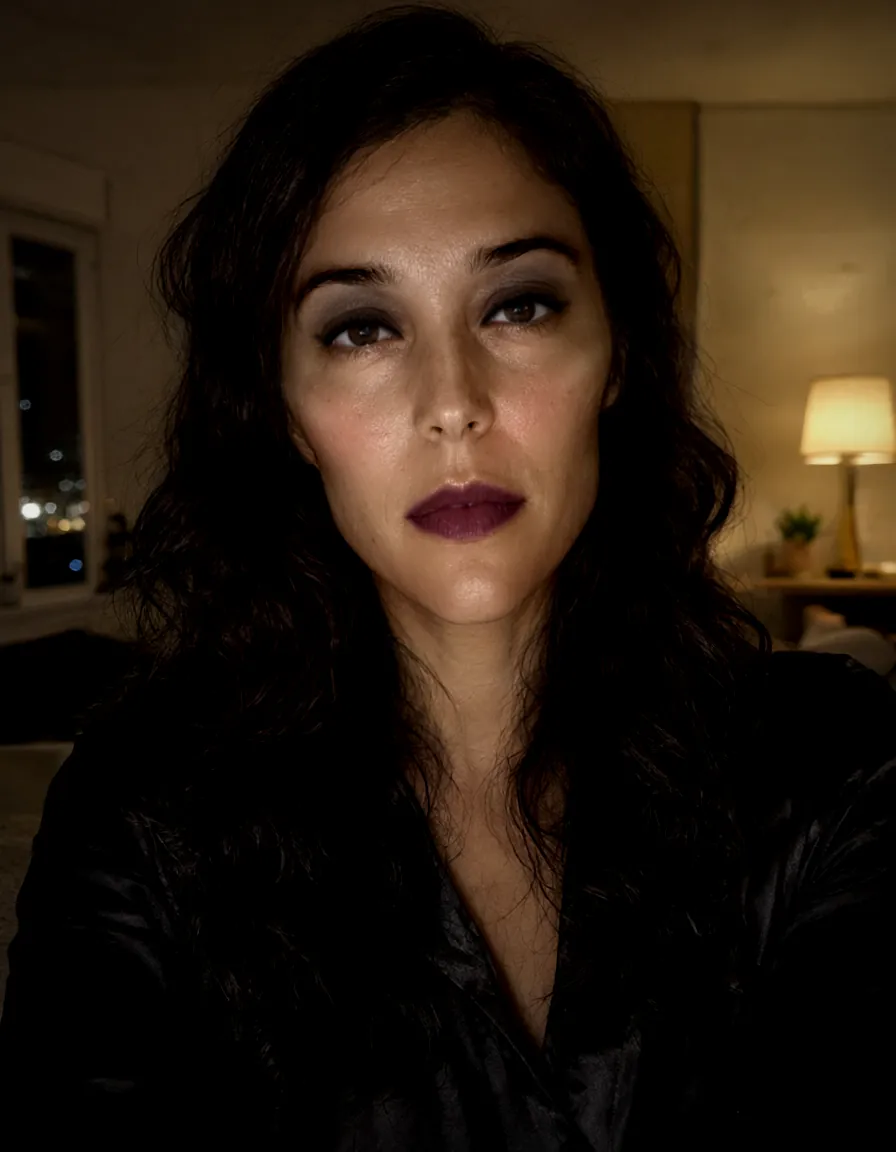 OriginalCamlune 115%
Smoky eyes, deep plum lip
 OriginalCamlune 150%
Classic red lip, winged liner

 OriginalCamlune 100%
Even, matte, quietly sharp

 OriginalCamlune 100%
Eight hours of sleep, instantly

 OriginalCamlune 100%
Sharp, energized, game-day ready

 OriginalCamlune 100%
Sun-warmed skin, bright smile

 OriginalCamlune 100%
Clean, confident, boardroom-bright
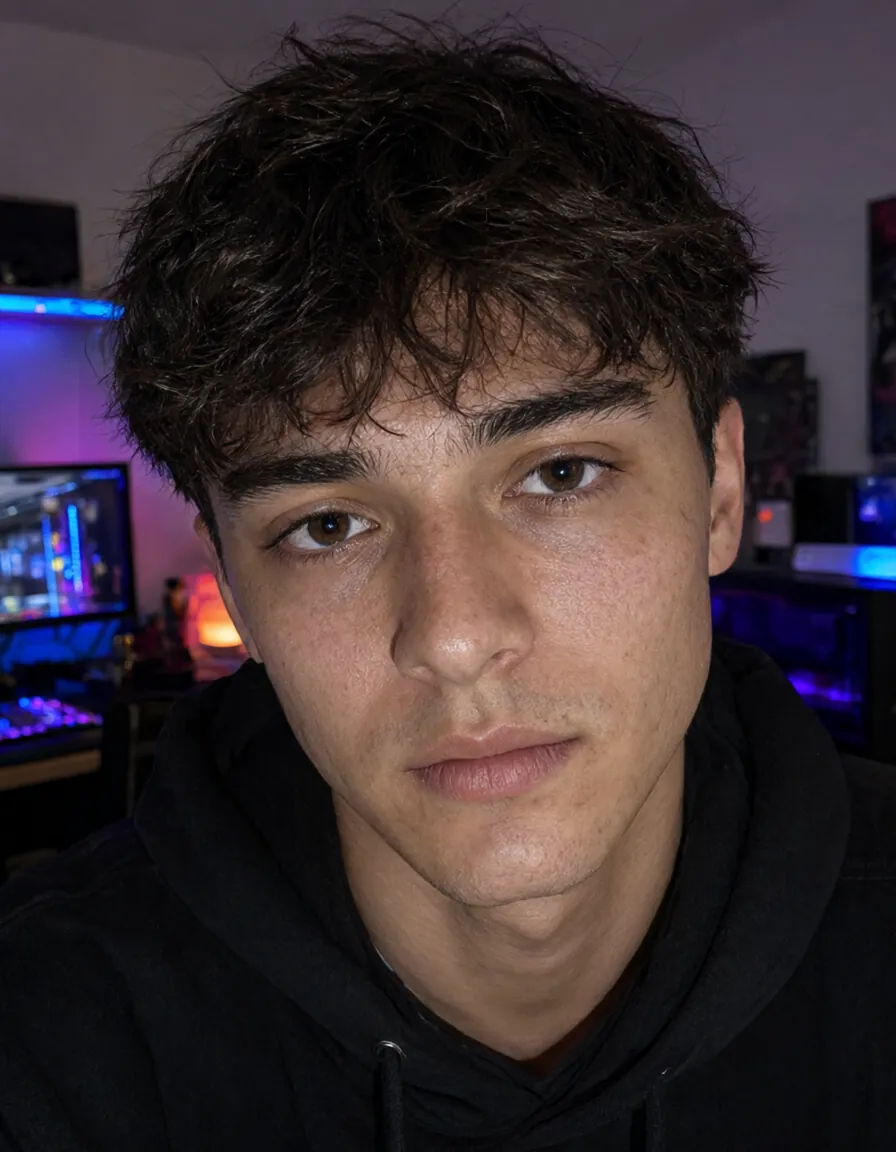
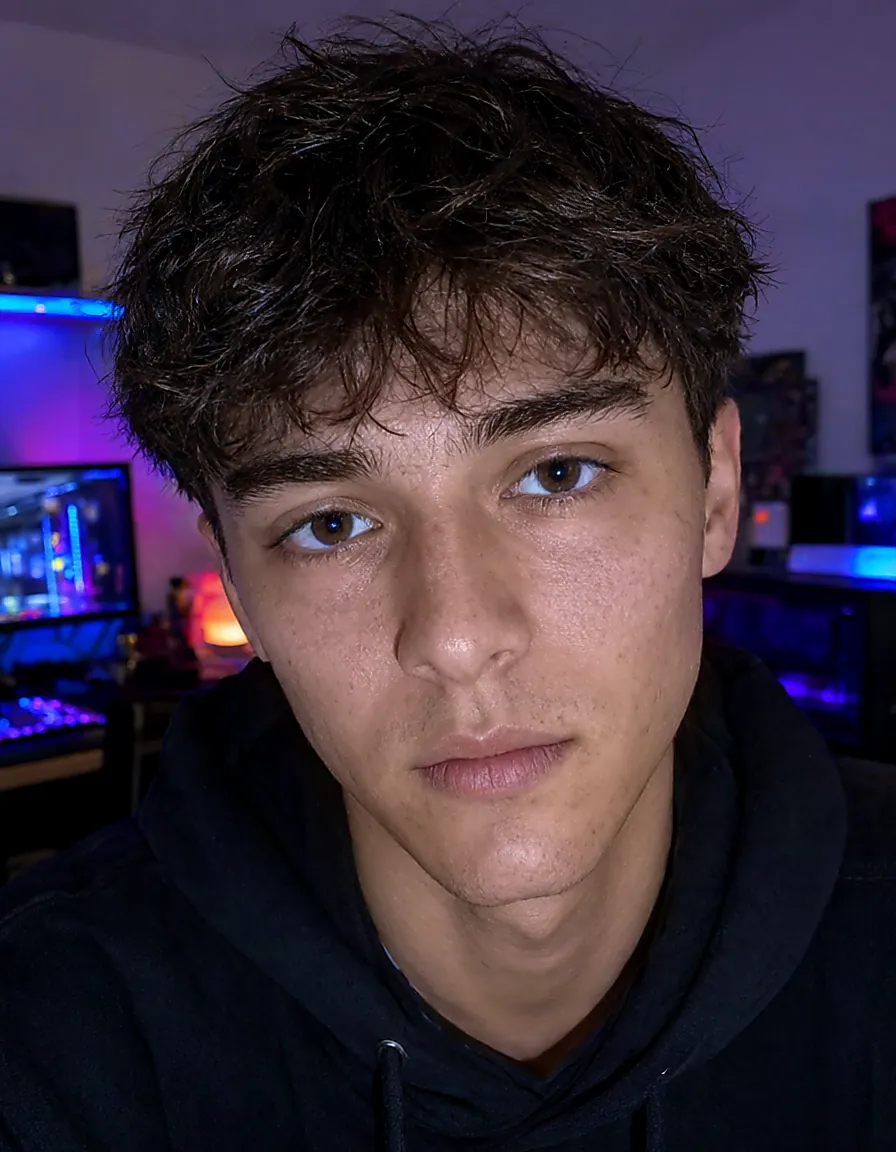 OriginalCamlune 100%
Crisp and lit for the camera

 OriginalCamlune 100%
Movie-star warmth, big-screen polish

 OriginalCamlune 100%
Editorial cheekbones, cool and sharp

 OriginalCamlune 100%
Warm glow, bright eyes, easy charm

 OriginalCamlune 100%
Warm, textured, film-graded
Open the studio to fine-tune every detail with live before and after. Nine sections, dozens of controls, and colors chosen for how they read on camera.
Smooth, even tone, lift under-eyes and lines, matte or dewy glow, freckles if you love them.
Gentle, face-tracked sculpting for jaw, chin, cheekbones, nose and forehead.
Contour, highlight and blush in shades picked to stay flattering on video.
Shadow, liner, lashes, brighter whites, eye color and fuller, defined brows.
Lipstick from nude to classic red, gloss, volume and a brighter smile.
Try a new color or add shine, masked to your hair by an on-device AI model.
Exposure, temperature, fill light, soft focus, vibrance and cinematic grades.
Blur it, remove it, or replace it with a color or your own image.
Look at your notes and still meet the camera, with natural blinks.

Camlune's AI runs on your Mac's own chip. Your video is never uploaded, recorded or used to train anything. The only place it goes is the app you chose to send it to.
Frames are processed in memory and handed straight to the camera. Nothing is stored or sent to us.
Open it and go. Sign in with Apple only if you want referrals or Pro on several Macs. Payments run through the App Store, so we never see your card.
Metal and the Neural Engine keep it smooth at 30 frames per second, with low latency and quiet fans.
or $9.99 per month, or $149.99 once for lifetime. Yearly and monthly start with a 2-week free trial.
Prices in USD; your local price and taxes are shown in the App Store. Subscriptions renew automatically until you cancel; cancel at least 24 hours before a trial ends and you won't be charged. Lifetime is a one-time purchase. Terms and Privacy.
Any Mac app that lets you choose a camera. That includes Zoom, Google Meet and Microsoft Teams (in the app or the browser), FaceTime, Webex, Slack, Discord, WhatsApp, OBS Studio and Streamlabs, plus anything that streams through OBS such as Twitch, YouTube Live and TikTok Live. Pick Camlune Virtual Camera as your camera.
Not with the everyday looks. Bare Skin, Glass Skin, Natural Groomed and Well-Rested keep your skin texture and features, so you simply look rested and well lit. The glam looks are meant to be seen. Every effect has an intensity you control, and you can compare with the original at any time.
No. Every frame is processed on your Mac, and Camlune never records, stores or transmits your video or images.
To improve the app, it sends usage statistics and crash reports, which never include images, and are linked to your account only if you sign in. You can turn both off in Camlune's privacy settings. Read the privacy policy.
A Mac with Apple silicon on macOS 14 Sonoma or later, and any camera: the built-in one, a USB webcam, or your iPhone with Continuity Camera. Camlune sends 720p at 30 frames per second, the resolution most call apps use.
Camlune's virtual camera is a modern macOS camera extension, Apple's secure and sandboxed way to add a camera. The first time, macOS asks you to allow it in System Settings. It's a one-time step, and it's removed along with the app.
Yes, two ways. New subscribers get a 2-week free trial of everything. You can also start a Pro preview to try any Pro look or control live; your video shows a small Pro Preview badge until you upgrade.
Pro is billed by Apple. Open the App Store, click your name, choose Account Settings, then Subscriptions, and cancel Camlune Pro. You keep Pro until the end of the period you paid for.
Camlune is coming soon to the Mac App Store. Leave your email and we'll tell you the moment it's live.